Streaming
"When you install an ad blocker onto your computer, you're not simply installing something that makes web pages load faster, and you're not simply just having a less annoying web browsing experience. When you install an ad blocker - on not just your computer, your laptop or your phone, but on all of your devices - you're taking the value of invading people's privacy and you're reducing it to zero."- Louis Rossmann - right to repair, privacy, and digital freedom activist and educator (Rossmann)
There are a lot of options when it comes to streaming content. Most big platforms will have some form of community-maintained third party client or a modded version, with the client allowing you to give even less data to the companies and both doing things like blocking ads and giving you nice features. Depending on how far you want to go with privacy and distancing yourself, you have a few choices. r/Piracy is also a very good resource.
Use ReVanced if you just want to block ads and get useful features. They provide modded versions of the apps for Android, so you're still supporting the companies quite a bit. Use a third party client if you want to give as little data as possible to them, but it'll generally be a worse experience than the real thing. For YouTube specifically, I personally use Invidious on desktop and NewPipe on mobile. For music I use a mix of Monochrome and yt-dlp. For everything else, I use ReVanced.
YouTube Clients

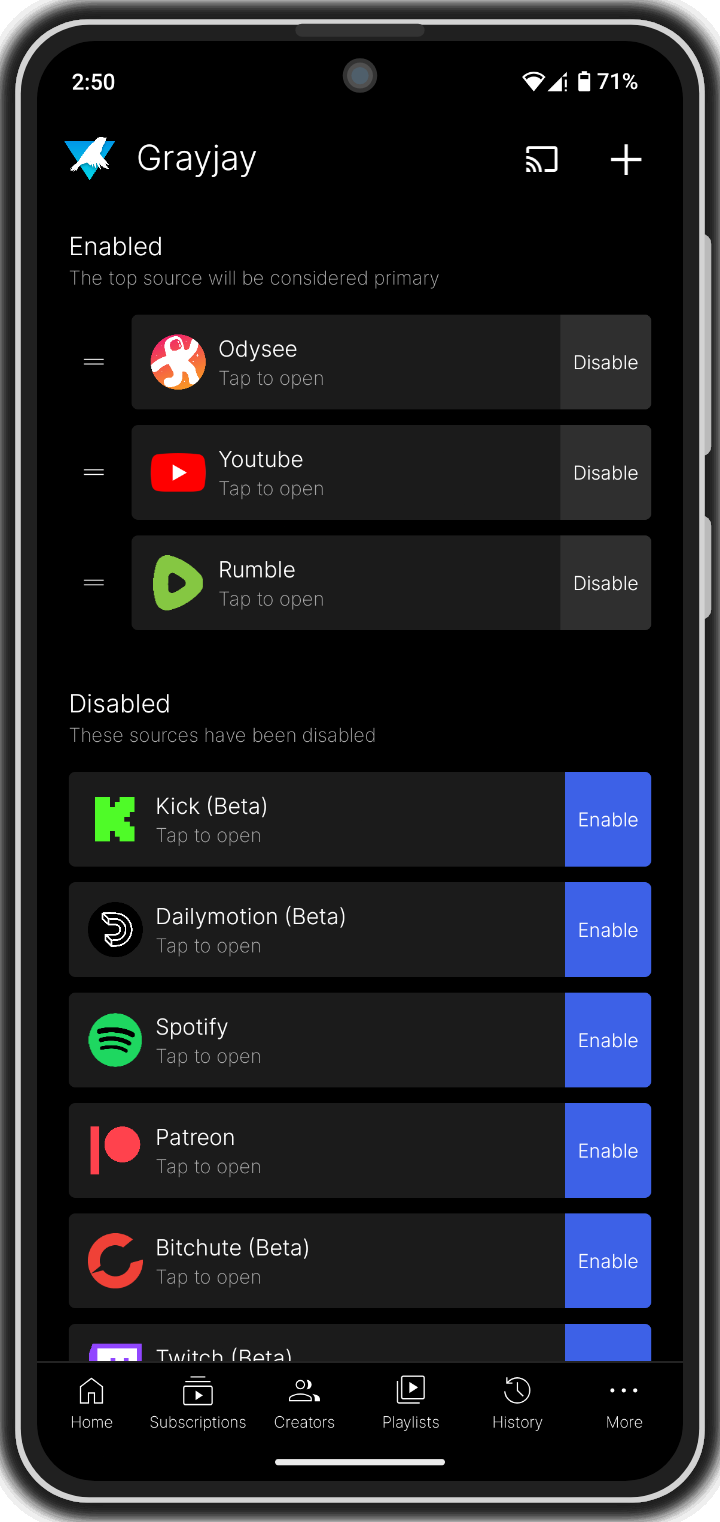
Grayjay
- Grayjay is a unified feed for lots of social media platforms, with an emphasis on user control.
- You can block ads while only seeing the content you want to see from people you want to see, preventing you from falling into the trap of doomscrolling.
- Use it if you're on Android and want to spend less time online in general.
- Open-source. Android only.

Invidious
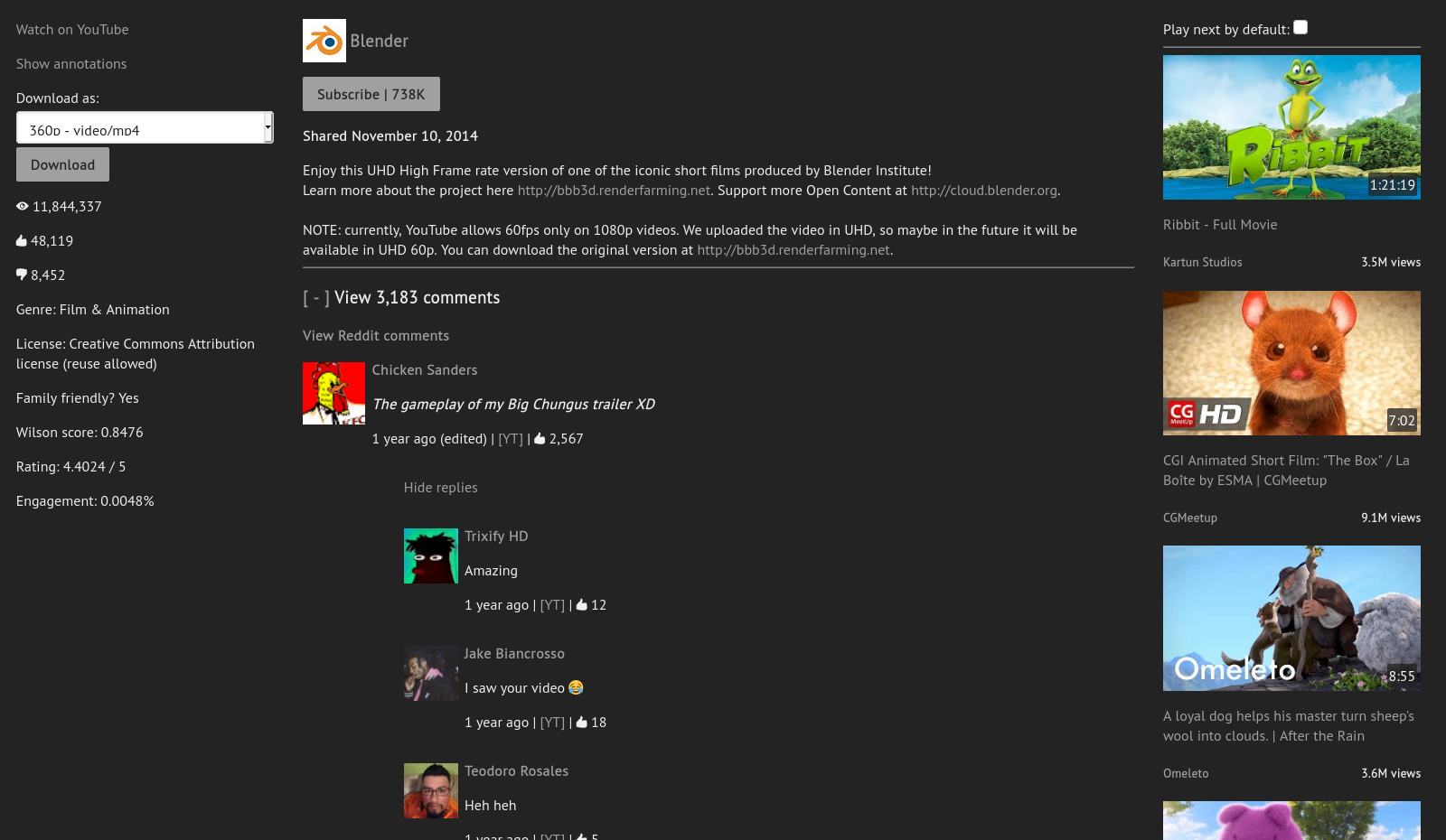
- Invidious is a web-based third-party client for YouTube.
- Use it if you're not on Android or if you're on a browser.
- It operates under the instance model, meaning anyone can host their own instance of Invidious and that you'll need to find one to use. I recommend Yewtube.
- Since it is web based, you can use it to share links. It's possible something happens to the instance you pick, so don't get too attached and don't link to them directly. You can link to https://redirect.invidious.io/ instead, just add the link contents after the slash (/). That way whoever clicks the link can pick what instance to use, even if one of them goes down.
- Instead of linking to YouTube on this site, I linked to Yewtube.
- You can use an extension like YewTube Redirect to automatically redirect you, or just set up a redirect with Redirector. Free and open-source. Available on most mobile and PC platforms
- Free and open-source. Available from any web browser
NewPipe
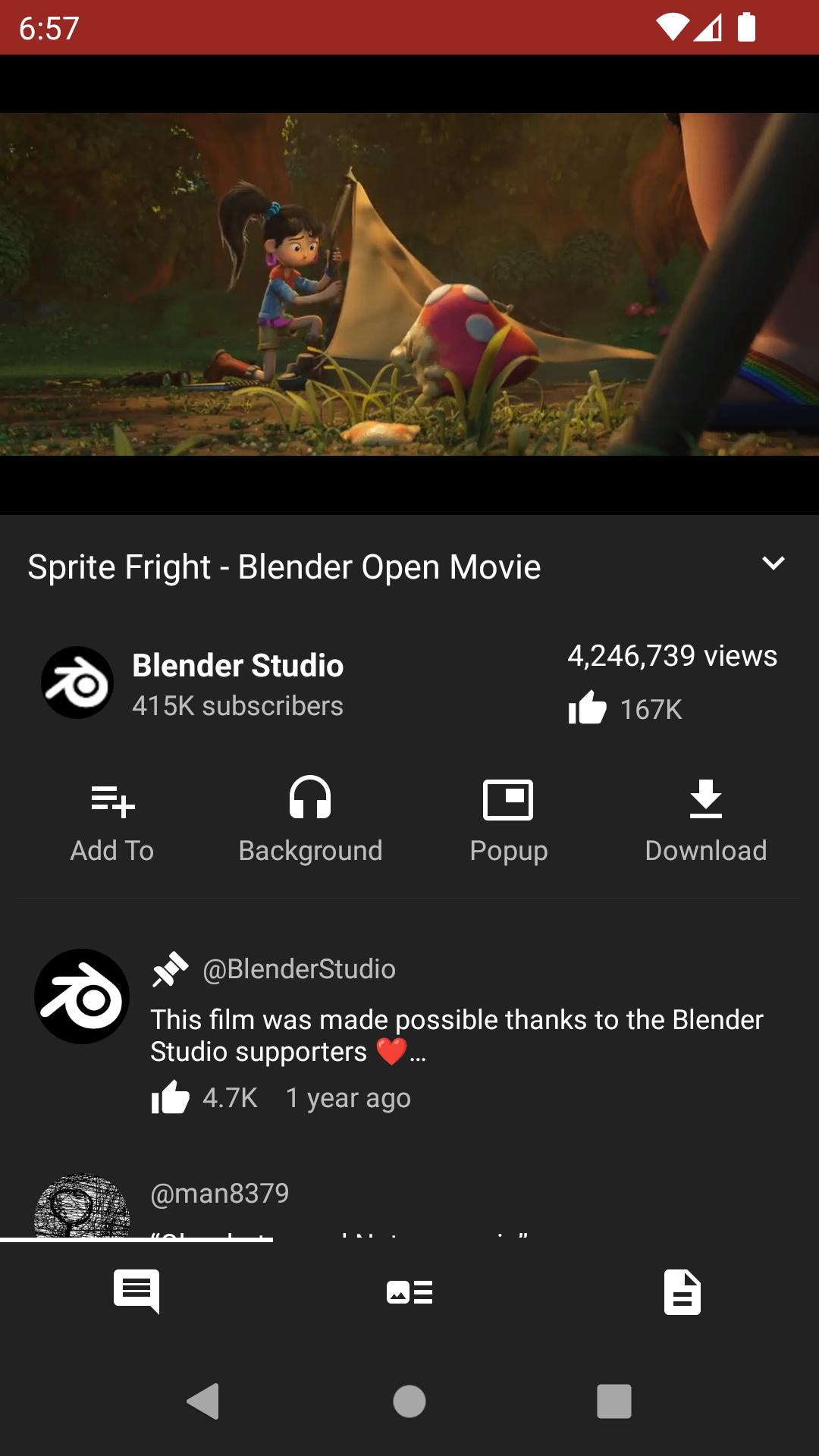
- NewPipe is a third-party client for YouTube and other apps.
- Use it if you're on Android.
- It blocks ads and allows for the downloading of content directly to your device.
- Note that it does not have a recommendation algorithm.
- Free and open-source. Only available on Android.
Music Streaming
To be upfront, not using an ad-filled corporation backed streaming service for music is difficult. Music is such a fragmented industry that's all over the place; there isn't one platform you need to listen to music on. Other than the two methods here, I would recommend YouTube Music ReVanced. I don't recommend Spotify ReVanced, as they are constantly coming up with new updates that break the app to the point where you would need to repatch it every other day.
Monochrome
With that being said, I recommend Monochrome. Monochrome is an "open-source, privacy-respecting, ad-free TIDAL web UI" (Monochrome). It is still in development, so there are still things that are being worked on. Note that there is no mobile app, but the web version is amazing on mobile. Free and open-source. Available from any browser.

yt-dlp
Another option is downloading music via yt-dlp using links to the tracks. On Windows you can easily use it from the Terminal, which you can get to by right-clicking the Windows icon in your toolbar and selecting "Terminal". It's not as scary as it looks, I promise. To install it from the Terminal, use the command winget install yt-dlp. It's trickier to install on Mac, check the installation guide for more info. You can then use yt-dlp [link] to download video or yt-dlp --extract-audio [link] to download audio. If you start having problems, use yt-dlp -u to update. Free and open-source. Available on most PC platforms, but harder on Mac.
You can then use Mp3tag to tag those music files with information about the tracks, like artists and albums, just make sure the files are in mp3 before tagging. You can use the Tag Sources tab to automatically do it for you. Free available on Mac and Windows. You can use Ben Dodson's iTunes Artwork Finder to find high quality album art. For the music player, I recommend Metro. Free and open-source. Available on Android.
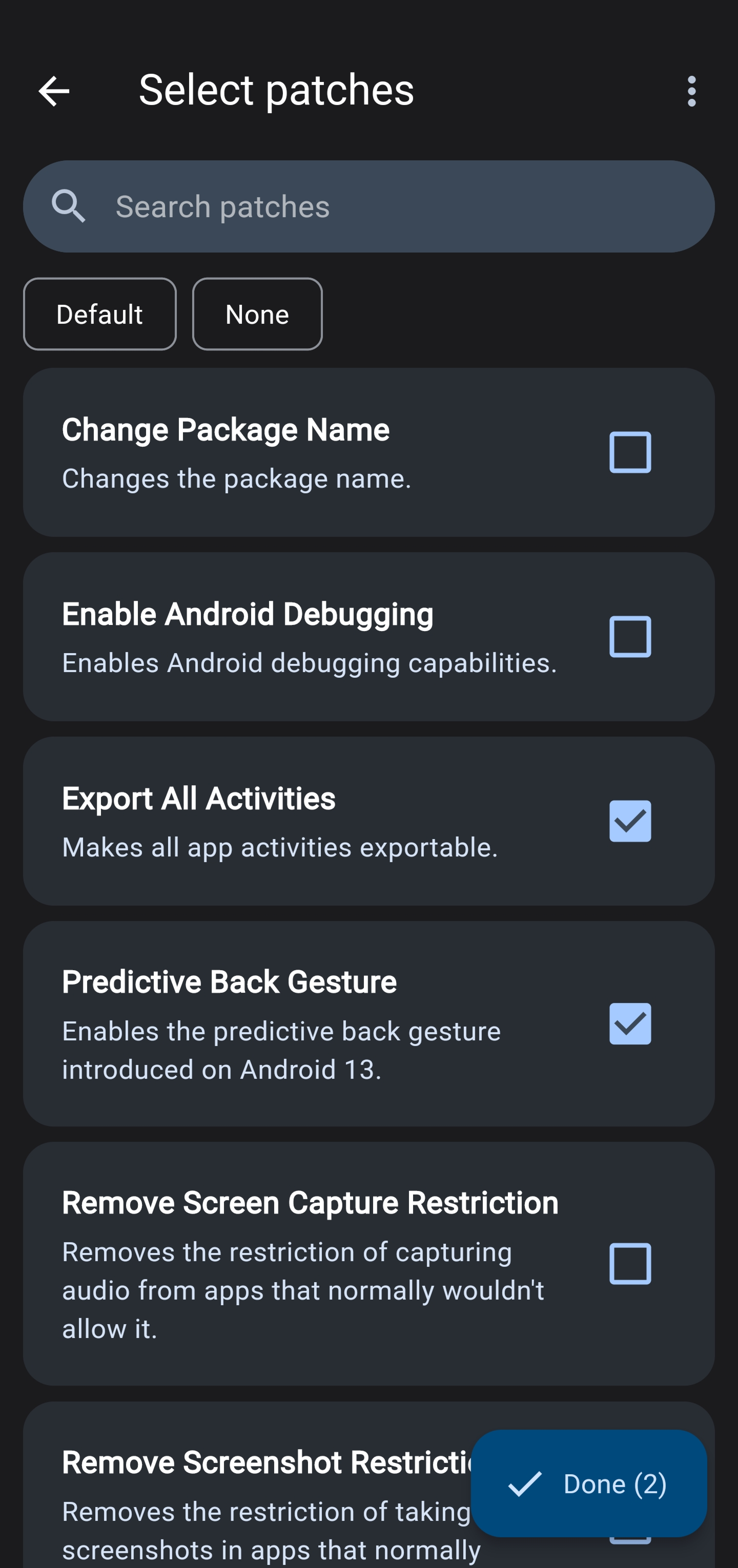
ReVanced
- ReVanced allows for you to essentially mod the apps of various platforms like YouTube, Instagram, Spotify, or even Duolingo.
- On top of blocking ads, the mods often give you premium features or useful settings, like SponsorBlock and the ability to download videos to your device on YouTube or limiting your feed to followed profiles on Instagram.
- You need to use apks (app files) from the internet to modify them. ReVanced allows you to automatically get one from APKMirror. If it doesn't work, you can manually download one from online. If the app you download is in the apkm format, to use it you'll need to split it using AntiSplit M.
- Sometimes the apps may break when the platforms release new updates. If that happens, just re-patch it.
- Free and open-source. Only available on Android.